Ant Design gave the team a dependable set of enterprise components and helped early product delivery move quickly.
06 / SPRINTO DESIGN SYSTEMMIGRATION · COMPONENTS · STORYBOOK
From library defaults
to a system we owned.
How I helped move Sprinto from Ant Design based interfaces to a customised shadcn foundation connected across Figma, product code and Storybook.
SPRINTO / COMPONENT SPECIFICATIONDesigned in detail.
One foundation. Every interaction.
◇ Button / PrimaryV5
Primary
Secondary
Disabled
PRIMITIVEtangerine.500#ED794C
→SEMANTICaction.primaryPurpose before value
→COMPONENTButton / PrimaryOne shared contract
- My role
- Product Designer · System ownership
- My contribution
- Migration direction, tokens, component anatomy, Figma library, documentation and Storybook review.
- Project context
- Sprinto product work · Representative library
As Sprinto matured, the interface needed clearer ownership, more deliberate states and patterns shaped around compliance work.
I helped define the migration direction, component anatomy, Figma library, documentation and review process with engineering.
01
The system problem
Ant Design was a useful starting point.
It was no longer the complete answer.
The issue was not that Ant Design lacked components. It was that our product language was becoming too dependent on a library’s defaults. Compliance workflows needed specific density, hierarchy, table behaviour and evidence states that should be designed as part of Sprinto, not treated as exceptions.
The product team and stakeholders agreed that the next system should preserve development speed while giving design and engineering clearer ownership of the result.
Inherited expression
New screens could look recognisably Ant before they felt recognisably Sprinto.
Overrides became rules
Repeated visual changes accumulated without one shared component contract.
State drift
Loading, empty, error and permission states were not always treated consistently.
Design and code gaps
A Figma component could evolve separately from the component developers actually shipped.
Library review
Inspect the rules.
Then show the system at work.
I reviewed the supplied Figma foundations and V5_Button definitions to ground these presentation boards in the actual library.
Colour families, Inter type styles and component pages covering inputs, navigation, feedback, overlays and data display.
28, 36 and 44 px sizes, separate state and loading properties, and optional 20 px icons around a 14/20 label.
The palette sheet and component-bound Icy values differ. Verify variable bindings and deprecate stale documentation before treating either as the release contract.
Ask designers and engineers to locate a component, choose the correct state and compare it with implementation. Record mismatches and retest the revised guidance.
Evidence: direct library inspection. The application boards are original presentation studies; no participant testing or adoption results are claimed.
02
Before and after
Keep the workflow.
Change who owns the interface.
The migration was not a cosmetic reskin. We kept useful workflow behaviour, then rebuilt the visual hierarchy and component contracts around the product. The comparison below shows the same representative vendor view through both foundations.
Drag the control to compare the same vendor workflow before and after the system migration. Both interfaces are original representative reconstructions.
03
Why shadcn
A foundation we could change
without fighting the foundation.
We selected the current shadcn/ui approach because it provides accessible, composable starting points while the component code lives with the product team. We did not use its default appearance as the final design. I changed the foundations, anatomy, density and states to fit Sprinto’s workflows.
The team can inspect and adapt the component instead of designing around a closed implementation.
Tokens, spacing and component anatomy can express Sprinto’s information hierarchy.
Accessible primitives reduce the need to rebuild common interaction behaviour from the beginning.
Components can enter the library only after design review, engineering review and documented stories.
The decision uses shadcn as a foundation for an owned system, not as a finished theme. View the shadcn foundation
04
Foundations
Keep the meaning stable.
Let the value change.
I separated raw values from semantic decisions. A product component asks for a purpose such as action, surface or critical feedback. Light and dark themes can then use different values without changing that purpose.
01 / FOUNDATIONSQuiet neutrals.
Quiet neutrals.
Purposeful colour.
Inter typography and the Icy palette support dense product information. Tangerine draws attention to action.
50#f9fafb
100#f3f4f6
200#e5e7eb
300#d1d5db
400#9ca3af
500#6b7280
600#4b5563
700#374151
800#1f2937
900#111827
950#030712
INTER / TYPOGRAPHYAa
Clarity, at every scale.
Body · 14 / 20 · Regular & Semibold
ABCDEFGHIJKLMNOPQRSTUVWXYZ
abcdefghijklmnopqrstuvwxyz
0123456789
abcdefghijklmnopqrstuvwxyz
0123456789
4812162432
VARIABLES / COMPONENT CONTRACT
From raw value to product meaning.
Primitive values are mapped to semantic roles, then consumed by components. Theme values can change while those roles stay stable.
Primitive colour values
Icy 50#f9fafb
Icy 200#e5e7eb
Icy 500#6b7280
Icy 900#111827
Tangerine 500#ed794c
Success#72c040
Component token mapping
| Component | Semantic token | Source |
|---|---|---|
| Button / primary | colour.action.primary | tangerine.500 |
| Input / border | colour.border.default | icy.300 |
| Status / success | colour.status.success | green.600 |
| Layout / spacing | space.2 → space.6 | 8 → 24 px |
Button / primaryDefault · hover · disabled
Input / borderFocus and error use distinct semantic roles
Status / successPair colour with a text label
Layout / spacingOne rhythm across forms and tables
Representative token names illustrate the proposed component contract. Before release, reconcile them with the current Figma variables and implemented values.
Primitivetangerine.500
A raw value in the palette.
Semanticaction.primary
The purpose that value serves.
ComponentButton / Primary
The product control consuming the rule.
05
System architecture
From foundations to complete
product patterns.
I organised the library so teams could find the right level of reuse. Small parts stay flexible, while complex patterns preserve the rules that make a compliance workflow understandable.
FROM FOUNDATION TO PRODUCT
How the system fits together.
Each level has a different job. Tokens give controls a shared language; components and patterns turn it into usable compliance workflows.
Colour, type, spacing and radius
Icy scale · action.primarySingle controls with defined states
Button · checkbox · iconSmall task groups that work together
Search field + filterSections built around a product task
Vendor table + review panelReusable arrangements of sections
Inventory workspaceTemplates filled with real content
Vendor review06
Component details
Every component documents
behaviour, not only appearance.
Each component definition includes anatomy, variants, states, content rules, accessibility notes and responsive behaviour. The presentation below draws on the supplied Sprinto Figma library: Inter typography, tangerine primary actions and explicit size, state and loading properties. Application compositions are representative studies.
02 / COMPONENT ANATOMYOne button.
One button.
A complete behaviour contract.
Three sizes, explicit states, optional icons and an independent loading property.
 Continue
- 01 / Container
- 4 px corner radius
- 02 / Icon
- 20 × 20 px · optional
- 03 / Label
- Inter Semibold · 14 / 20
- 04 / Spacing
- 4 px between icon and label
28 PX / SMALL
36 PX / M
44 PX / LARGE
default Ask AI
Ask AIhoverAsk AI
Ask AIactiveAsk AI
Ask AIfocusAsk AI
Ask AIdisabledAsk AI
Ask AIloadingAsk AI
Ask AISpecimens adapted from the supplied Figma library. State colours are presentation studies; the source defines the component properties and base styles.
COMPONENT LIBRARY / BEYOND BUTTONSThe parts that make
The parts that make
a product feel complete.
Twelve more families from the Sprinto file, shown with realistic content, relevant states and concise usage guidance.
Tags & status
3 backgrounds · 10 colour roles
Use labels as well as colour. Filled tags emphasise status; hollow tags carry quieter metadata.
Checkboxes
✓Security questionnaireSelected
−Data processing agreementIndeterminate
SOC 2 reportDisabled
Unchecked · checked · indeterminate
Use for independent choices and bulk selection. Explain mixed selection with the indeterminate state.
Radio groups
Daily digestSelected
Weekly digestUnselected
OffDisabled
Selected · unselected · disabled
Use for one choice from a visible set. Keep the group label and help text close.
Dropdowns
WORKSPACE MEMBERS
AMAnika MehraCompliance lead✓
RKRohan KapoorSecurity
JSJia SantosOperations
Search · selection · empty results
Support scanning with names and secondary text. Preserve the selected value when the menu closes.
Tabs
Overview 2EvidenceActivity
OVERVIEWKeep context within reach.Selected · Default · Disabled
40 px height · optional count
Switch views in the same context. Selected, focused and disabled states must remain distinct.
Date pickers
SuMoTuWeThFrSa3031123456789101112131415161718192021222324252627282930123
Single date · range · 36 px cells
Show month context and a clear selection. Keep unavailable dates distinguishable.
File uploads
Drag your files here or Choose filePDF, DOCX, XLSX · Up to 5 MB
Security-report.pdf75%
Report.zipRetryFile exceeds the size limit.
Uploading · uploaded · error · success
State file limits before selection. Show progress and a recoverable error beside the affected file.
Toasts & feedback
Evidence uploaded
Your file is ready for review.
View fileUpload failedCheck your connection and try again.
Info · success · warning · error · loading
Confirm an event without blocking the task. Keep a persistent error near the field or file that needs attention.
Avatars
AMRKJS+2
AM24 pxRK32 px
24 / 32 px · groups of 1–5
Identify ownership at a glance. Use a name alongside initials when the person is important to the task.
Pagination
CloudnoteReviewed
PeoplebaseReviewed
LedgerflowReviewed
Rows 10 ⌄1–10 of 48
Many pages · single-page state
Keep row count and position visible. Preserve sorting and filters when moving between pages.
Accordions
Security requirements 3 items
Collect a security questionnaire, a SOC 2 report and a data processing agreement.
Access controls 2 items
Review workspace permissions and the account offboarding process.
Data handling 4 items
Document retention, processing location, encryption and deletion.
Expanded · collapsed · focus
Reveal supporting details progressively. A clear title should explain what is hidden.
Progress
Evidence collected25%
Evidence collected50%
Evidence collected75%
Complete100%
0 / 25 / 50 / 75 / 100% · 4 px track
Use a determinate track only when completion is measurable. Pair it with a value and a meaningful label.
Component families, properties and core dimensions are read from the supplied Figma library. Content is illustrative. Usage notes describe implementation guidance; composed examples are adapted for this portfolio.
03 / COMPONENT DOCUMENTATIONAppearance is only
Appearance is only
half the specification.
Source dimensions and properties from the Sprinto Figma library, paired with implementation guidance for predictable behaviour.
Workspace name *
Acme workspace
Visible to members of your workspace.- Field
- 44 px high · 4 px radius
- Label & caption
- Inter 12 / 16 · 8 px gap
- Value
- Inter 14 / 20
Validation
Workspace name *Enter a valid workspace name.
Keep the label visible. Describe how to fix an error beside the field, and connect it to the input for assistive technology.
default
hover
active
focus
disabled
- Track
- 36 × 20 px · 2 px padding
- Thumb
- 16 × 16 px
- Properties
- Checked · state · loading
Use for a binary preference. Name the setting, preserve its label between states and support Space to toggle.
Do / one clear priority
Label actions with the outcome. Keep secondary actions visually quieter.
Avoid / competing primary actions
Equal visual emphasis makes the intended next step harder to identify.
Fields, switches and button base specifications are read from the supplied library. Usage and accessibility notes are implementation guidance; composed screens and dark treatments are portfolio studies.
Button
Sizes, hierarchy, icon placement, focus, loading and destructive intent.
Field
Search people ⌘ K
Helper text explains the expected value.Label, hint, required status, validation, error recovery and character limits.
Select
Risk level ⌄
Trigger, selected value, search, grouping, keyboard order and empty results.
Table
VendorRiskOwner
CloudnoteReviewUnassigned
LedgerflowLowFinance
Density, sorting, filtering, selection, bulk action, pagination and responsive priority.
Dialog
Archive vendor?
The record remains in audit history.
CancelArchive
Focus order, escape behaviour, destructive confirmation and recovery.
Status and toast
Evidence savedUpdated a few seconds ago
Assessment progress72%
Severity, persistence, actionability, live announcement and dismissal.
07
Figma and Storybook
One name, one contract,
two connected references.
I aligned Figma properties with the coded API, then worked with developers to create a Storybook story for each meaningful state. The link between the two made review specific: we could compare the design intent with the implemented behaviour instead of discussing screenshots.
Storybook did not generate the product for us. It became the shared place to inspect behaviour, test edge cases and confirm when a component was ready for reuse.
Define intent
Match names for size, hierarchy, state and optional content. Add usage and accessibility notes.
Map the API
Pair Figma properties with code props and agree how content, icons and states behave.
Prove behaviour
Create stories for default, hover, focus, loading, disabled, error and responsive conditions.
Figma component
Button / Primary / LoadingComponent contract
variant="primary" loadingStorybook story
Button.Primary.LoadingPaste the published story URL into the matching Figma component with Storybook Connect.
Embed the selected Figma frame in the Storybook story through the Designs addon.
Check content, dimensions, keyboard behaviour, focus, themes and responsive states together.
Publish only after the design and coded story satisfy the same acceptance checklist.
MAINTENANCE MODEL
Keep the library dependable in Storybook.
Each component needs a named owner and a story that reflects the same properties as Figma.
- DocumentRecord anatomy, content rules, keyboard behaviour and responsive use beside each story.
- Cover statesKeep default, focus, disabled, loading and error stories, plus relevant light and dark themes.
- Review changesCompare Figma and code in the same review. Run interaction and accessibility checks before publishing.
- Release & retirePublish version notes, identify the owner, and mark replacements before removing a component.
Storybook supports linking stories to Figma components and embedding Figma references beside stories. Read the official integration guide
08
Ongoing ownership
A system becomes useful
through governance.
New components need a recurring use case. Existing patterns need an owner. I treated contribution, documentation, adoption and deprecation as part of the product design work.
- Request
Understand the recurring need.
Check whether an existing component can support the problem before creating another.
- Review
Resolve behaviour together.
Align anatomy, states, content and technical constraints with engineering.
- Release
Publish design and code together.
Update Figma, stories, documentation and release notes as one change.
- Evolve
Measure adoption and retire carefully.
Find inconsistency, identify the replacement and give teams a clear migration path.
04 / COMPONENTS IN CONTEXTBuild a workspace.
Build a workspace.
See how the parts connect.
A labelled settings form combines the field, switch and button into one familiar task. The dark version is a theme exploration.
LIGHT / COMPONENT FOUNDATION
Workspace settings
Manage how your team stays informed.
Workspace name *
Acme workspace
Visible to members of your workspace.Weekly digestSend a summary every Monday.
Security alertsNotify members about urgent changes.
DARK / THEME EXPLORATION
Workspace settings
Manage how your team stays informed.
Workspace name *
Acme workspace
Visible to members of your workspace.Weekly digestSend a summary every Monday.
Security alertsNotify members about urgent changes.
01 / Field
A persistent label and helper text explain the value.
02 / Switch
A clear on/off state represents each preference.
03 / Actions
One primary action commits the form; Cancel leaves it.
The system became a product
the team could own together.
My role connected product needs, design foundations and implemented behaviour, then kept that agreement visible as the library evolved.
Business impact
Connect the design decision to a measurable business result.
Give design and engineering one reusable component contract, reducing repeated decisions and helping teams ship consistent interfaces faster.
Shorter design and development cycles for common patterns
Fewer visual, interaction and accessibility defects
More predictable collaboration between Figma and Storybook
Measuring after release
Signals I would track with product, data and engineering.
These are success measures for post launch evaluation, not claimed results.
- Component adoption
- Share of eligible product interfaces using approved components
- Delivery speed
- Time needed to design and build recurring interface patterns
- Quality
- UI and accessibility defects found after release
- System health
- Story coverage, deprecated usage and unresolved component requests
ROI lens
Combine delivery hours saved and defects avoided, then compare the value with system maintenance and migration effort.
Final reflection
A design system is a shared product, not a finished file.
The migration created a clearer contract between Figma and Storybook, giving design and engineering a practical way to review, release and evolve components together.
More work
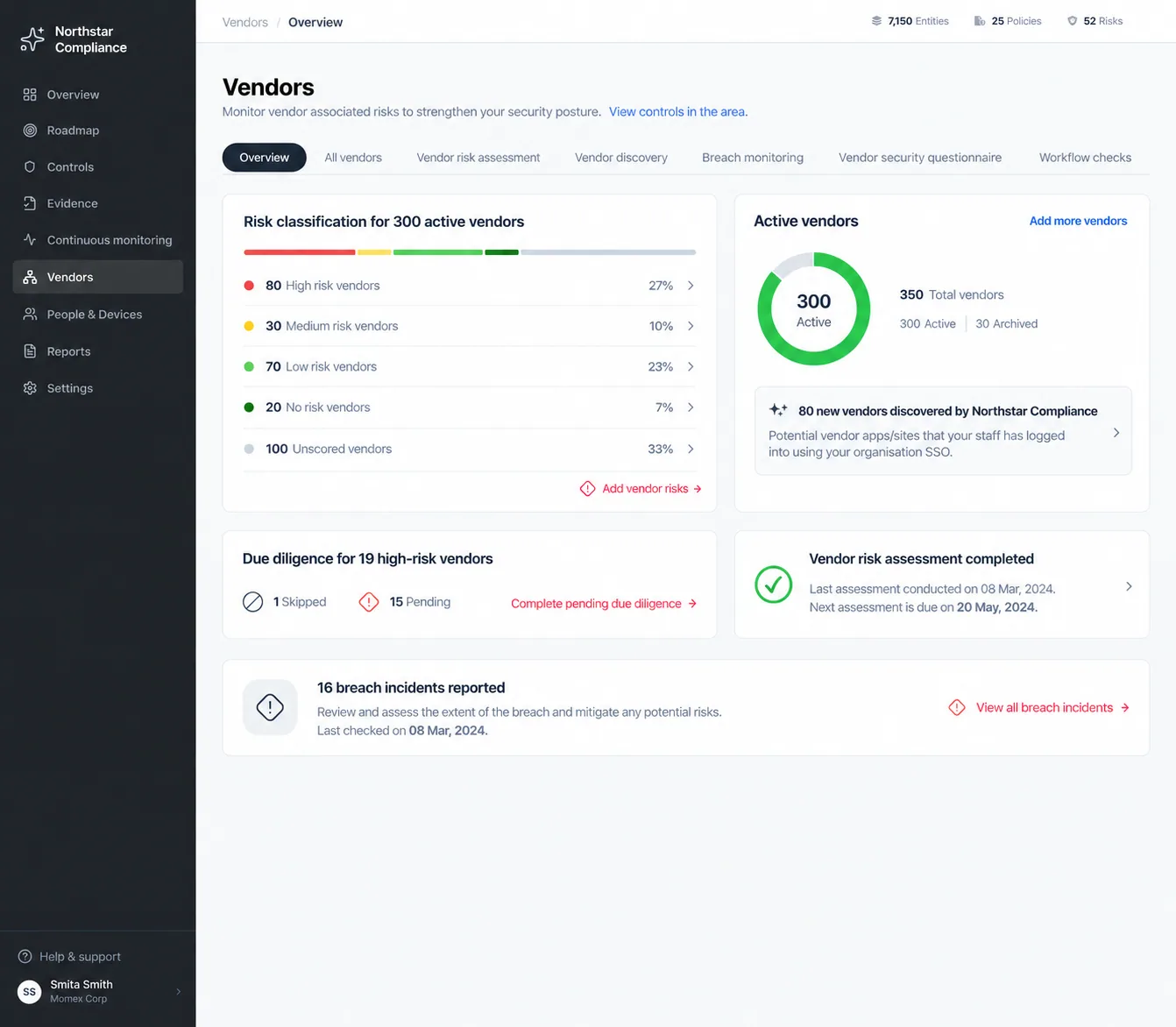
Making vendor risk easier to review and act on
Sprinto · Vendor Management
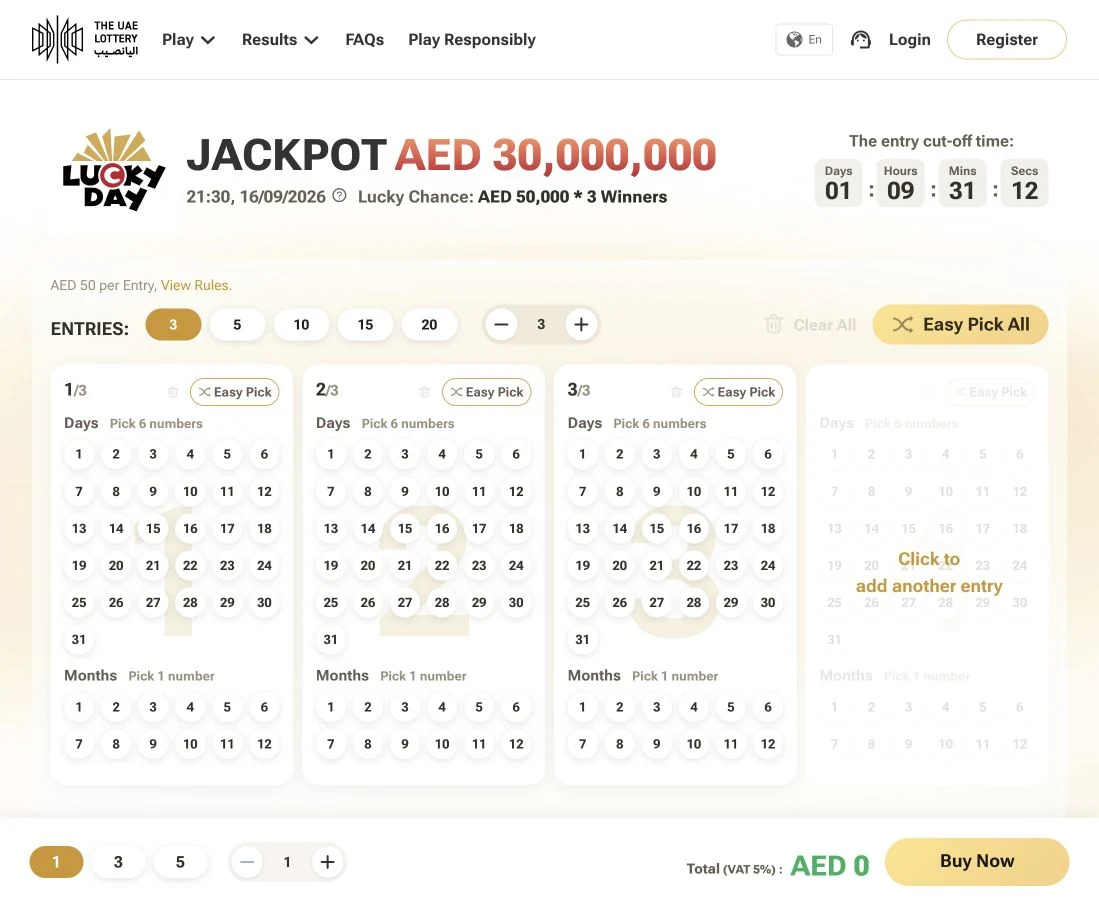
Connecting lottery journeys across web, app and retail
Momentum · The UAE Lottery
9:41
play971
A LITTLE TIME. A LOT OF PLAY.
Your next escape.
A little of everything
9:41

RACING / QUICK PLAY
Neon Drift
Find your line. Chase the sunset.
5 minSession estimateTouch friendlyEasy to start
Know before you go
Internet required. Check each game for controls and ad availability.
Designing game discovery and launch for Play971
Momentum · Play971